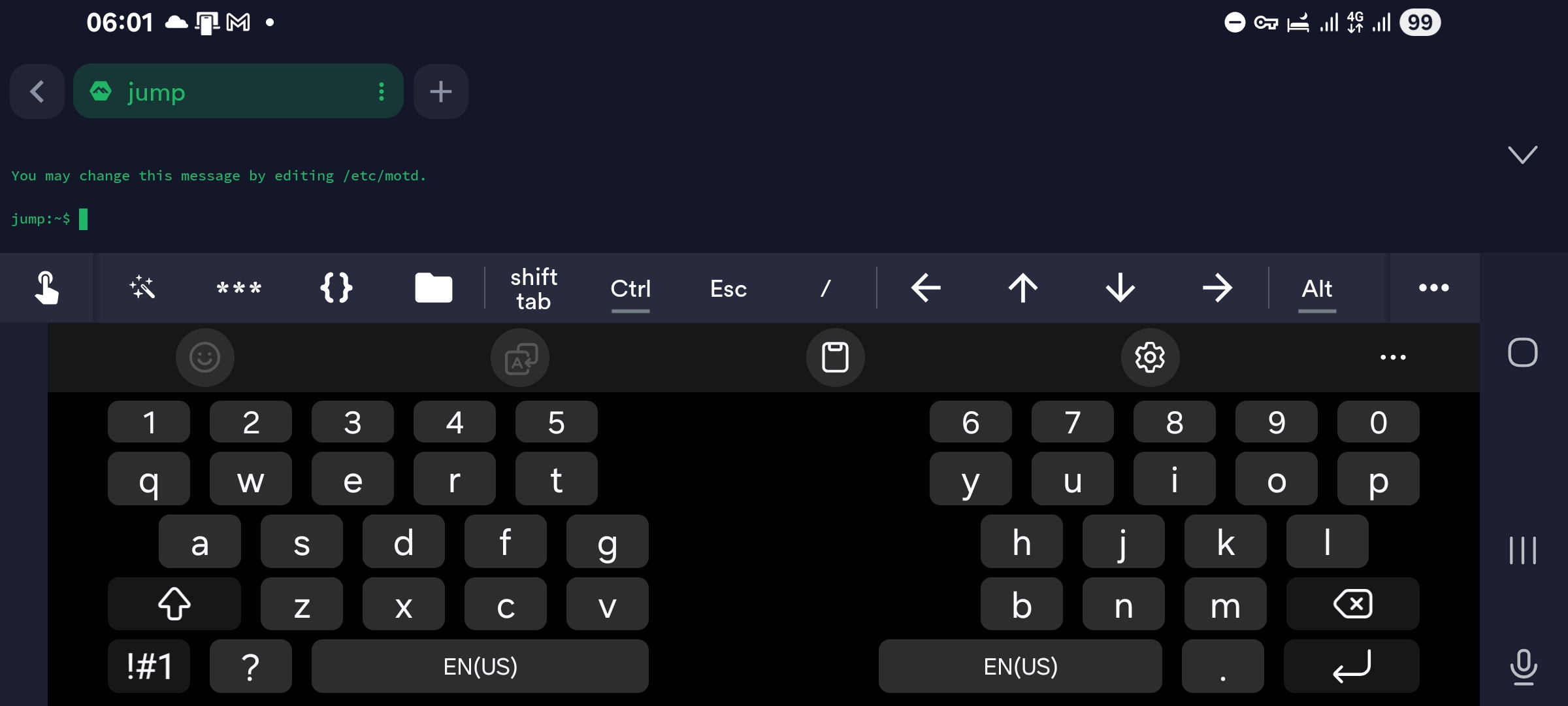
I have a small home server setup to run some self-hosted applications. Even though it’s small, the setup became complicated because of security and high availability requirements since it hosted a solar power monitoring system and some other critical vm’s. Since the system was new, there were lot of issues (hardware and software), and I need to connect direct cables and even reconfigure entire systems to get access to the server when it refuses to connect. Also, there were lockouts from my own mistakes like configuring a public IP range for one of my local subnets. (A 172. public IP range was configured to my local WAN subnet by accident but seems very efficient to confuse any remote attackers as I experienced when troubleshooting) Anyhow after several lockouts, I thought of creating a small/secure VM as a jump box to connect to the home server from anywhere and any device.
Power of virtualization Link to heading
So, my entire home server system is running on a virtualization platform called Proxmox. Most of its functionalities are like VMware but it has the flexibility of a Linux OS (It is a Debian Linux server). So, I was able to configure an interface from an old iPhone on the Proxmox host itself to use as my backup wan connection. And then separate vLAN’s for each environment like LAN and DMZ. Most of the time a simple reboot will fix any issues but after fixing many of the bugs, issues become more complicated. However, since this is a virtualized environment, a simple ssh connection to the main host is sufficient to troubleshoot any issue other than a hardware fault. Then the solution became very simple enough that I just needed a separate VM connected to the existing interfaces on the Proxmox host securely.
The exact level of security Link to heading
Usually, you need a special setup for these kinds of jump boxes with a public IP and a VPN. But since I was using a 4g connection and setting up a VPN requires another hosted server, I checked this with my AI. So, then we found Tailscale. It was with the exact features for our requirements and with the exact security level needed. (just like a VPN but less configuration and your own encrypted private network within Tailscale) You can add different kinds of endpoints to your Tailscale network like your mobile phone and laptop etc. They will be connected through Tailscale private network with their own private IP’s. Best thing is that the service is free for a simple setup like a home lab. OS and etc. Since this jump box is just for a ssh connection, I planned to use the most minimal setup needed. I was already using Alphine Linux for my docker setup so decided to use that in a LXC container to minimize the OS footprint. After going through several chats with the AI regarding server hardening and features that might need in a jumpbox, we have decided the requirements for it as below. Since the installation methods and commands can be dependent on various things like virtualization platforms, OS etc., I have decided to include just the basic steps that are needed for this setup to work. Anyone can enter these steps into their AI and get the detailed information required for the implementation according to their environment. However, do let me know if you require any clarification or help regarding these steps as I would be glad to help you out.
Main requirements – Link to heading
- Ideally you should have a backup wan connection. This can be a USB 4G connection or a separate broadband connection itself. Idea is that, even when your main internet link is down, you can still remotely connect to the home network or the server and see what has happened and fix any issues.
- Jump box can be hosted as a VM in your existing home server. But using a micro pc like a Raspberry Pi is a possibility if it can provide you with the necessary connectivity to the required networks like the backup wan and your home server LAN or one step further, directly to your console/video output.
Installation steps – Link to heading
- Create and install the jump box server. Alphine Linux seems to be the os with least footprint. I was able to run this setup with only 128MB RAM and a single CPU core.
- Add the required networks. If it’s a VM, you can add the existing interfaces to the jump box VM. And make sure the primary connection to be your backup wan link. (default route should go to this link so it’s separated from your firewall, routers etc.)
- Secure the new jump box with an OS level firewall. Usually, good practice is to deny all incoming, outgoing, forwarding traffic and then add rules as required. Minimally this will be Tailscale, DNS, NTP and 80/443 ports for OS updates. Incoming traffic is completely blocked and only allowed for existing outgoing connections.
- Secure the ssh service. You can change the port and remove root access. Make sure to not to allow it from the firewall since you will be using ssh only via Tailscale network. If you intend to use only Tailscale’s own ssh service, then this can be removed too.
- Configure an external syslog server. This will make sure your jump server activities are externally recorded and able to configure alerts to identify any misbehaviors.
- Since this server will host only the Tailscale stuff, you can write a script to download and install server updates automatically. That will greatly reduce the risk of zero-day vulnerabilities.
- Make sure to enable Tailscale ssh on the jump box. This will allow you to connect to the jump box via any web browser without ssh client and with just your Tailscale account credentials conveniently.
Food for thought – Link to heading
- Tailscale allows you to use any port within their private network. So, you can easily use GUI access with remote desktop or VNC kind of software. But since the idea is to keep this VM at a bare minimum for security reasons, I only used ssh server access.
- Send Tailscale logs to your syslog. This makes sure both jump box and Tailscale logs are recorded and configurable in alerts.
- If you want to use this in a more controlled or multiuser environment, there are other controls like ACL, tag’s etc. in Tailscale.
- Make sure to keep the jump box isolated as much as possible from the other configured items like your main firewall, router, etc. so their downtime won’t affect it. Idea is to keep the dependencies as low as possible so jump box will be available even your main systems are down.